
Staff
Maintain your roster — profiles, bookability, seats, and status after week-one setup.
- 8 guides
- Reviewed regularly
Start here
Edit a staff member
Open Staff and update Basic information — Name, Email, Phone, Role, and Preferred language.
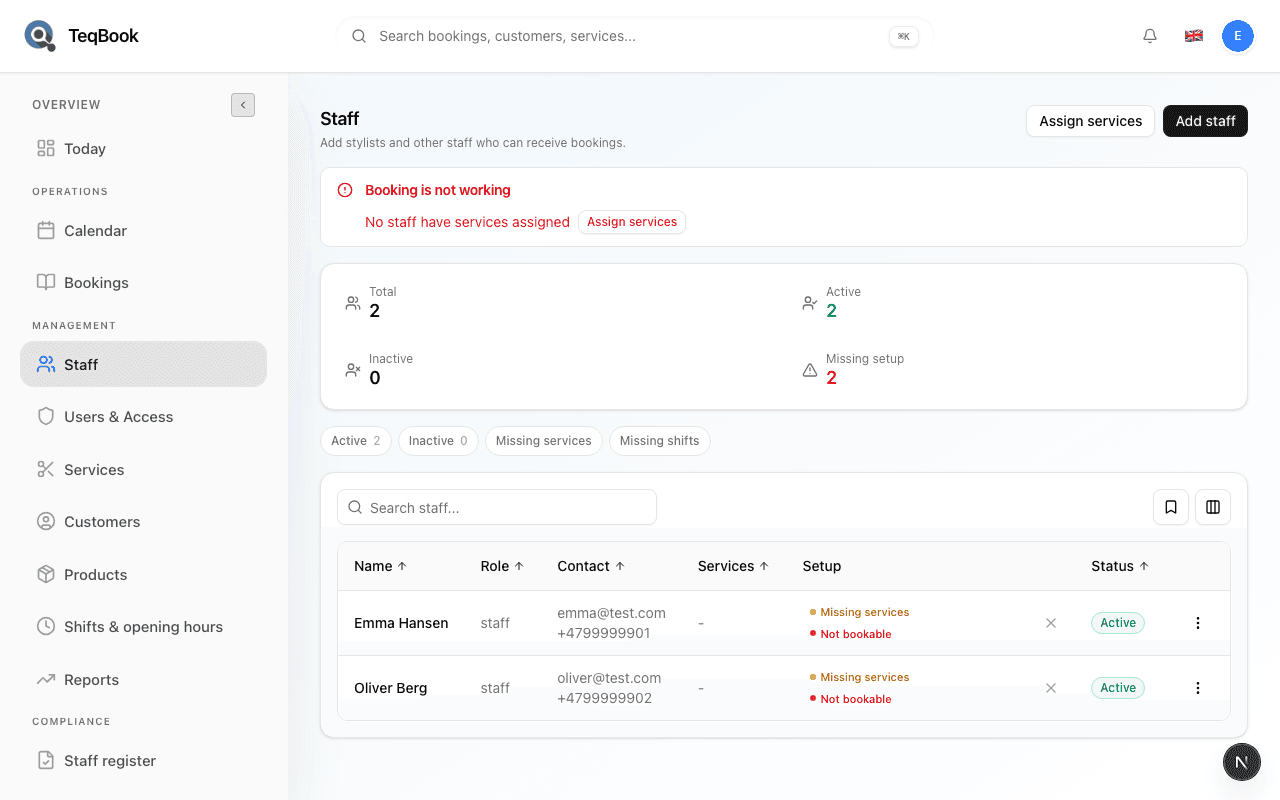
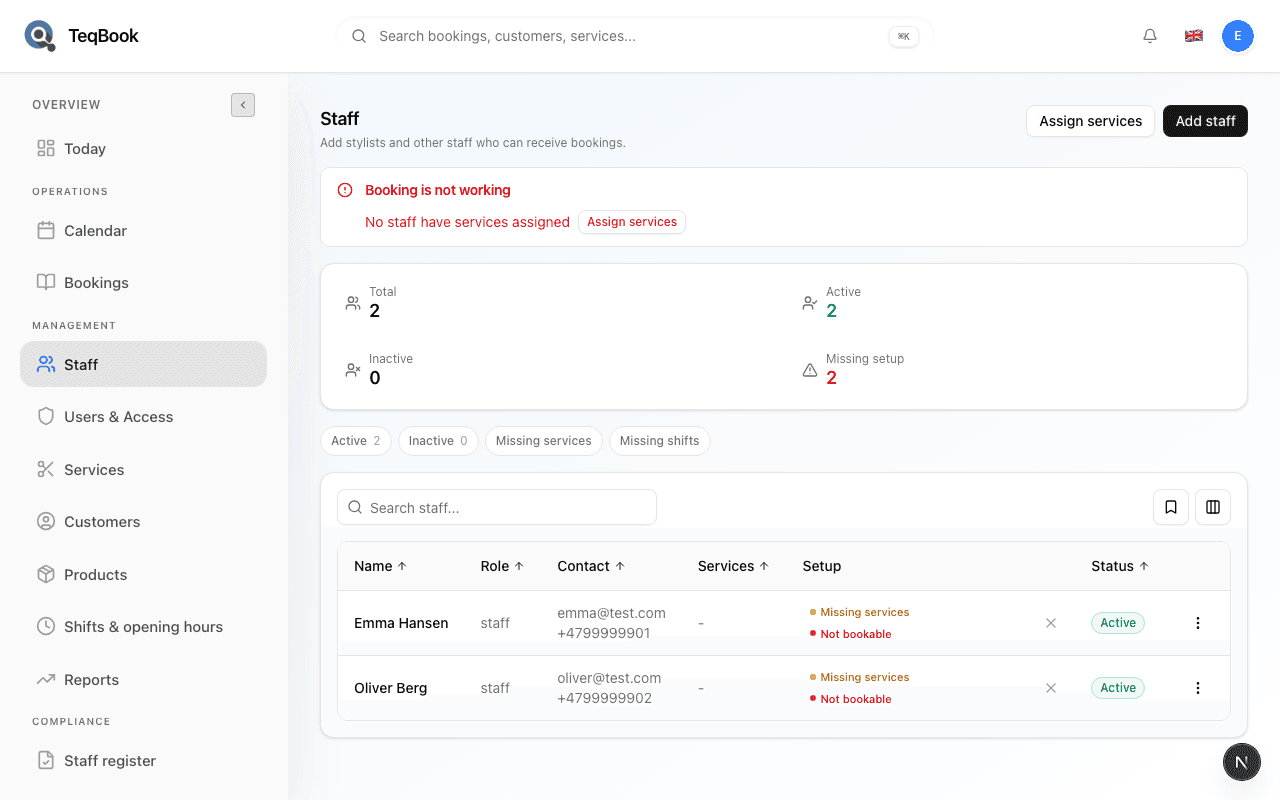
Fix staff missing setup
Diagnose Missing setup, Missing services, and Missing shifts on Staff, then continue to Assign services.
Manage staff plan seats
See how Active staff count toward your plan’s included seats, and free a seat by deactivating someone.
Edit profiles
2 guides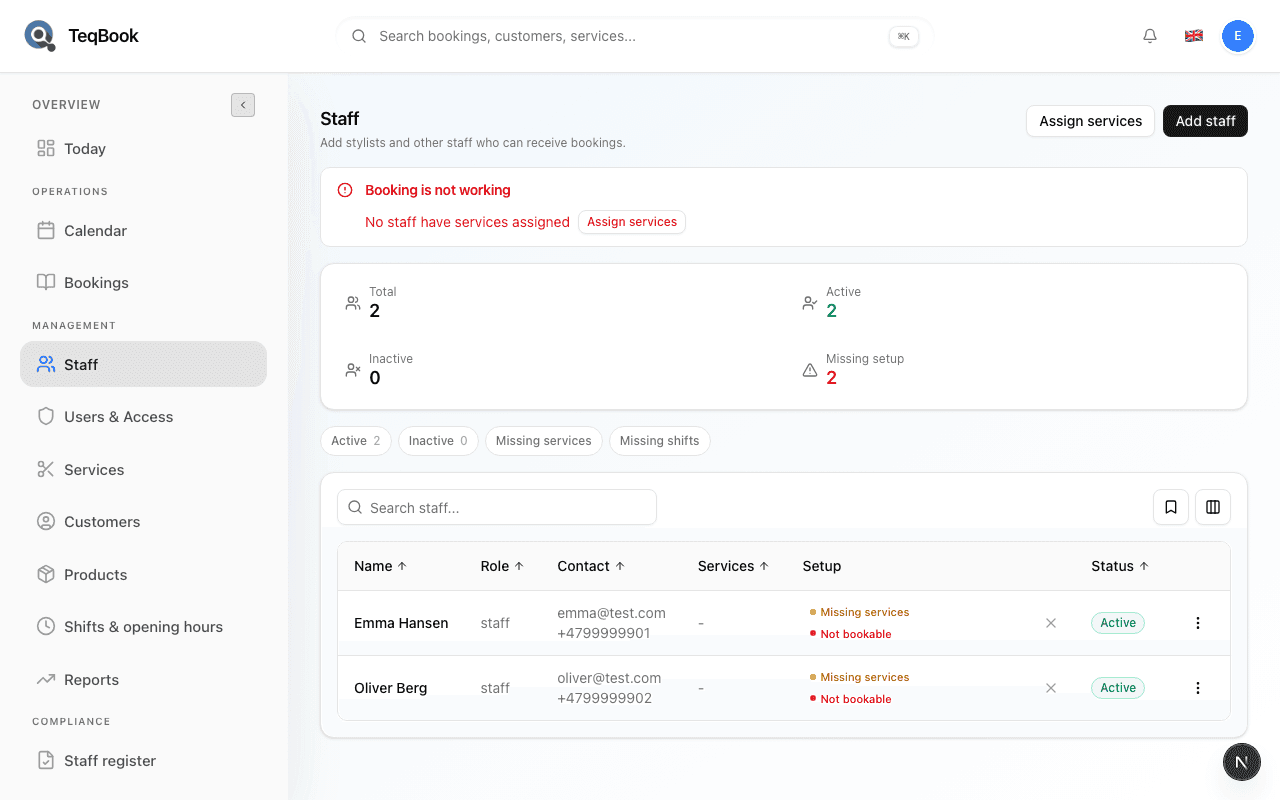
Edit a staff member
Open Staff and update Basic information — Name, Email, Phone, Role, and Preferred language.
3 min · Updated Jul 22, 2026
Edit a staff public profile
Set Public title, sort order, Profile image, Specialties, Bio, and Visible on public profile when editing a staff member.
3 min · Updated Jul 22, 2026
Status and cleanup
2 guides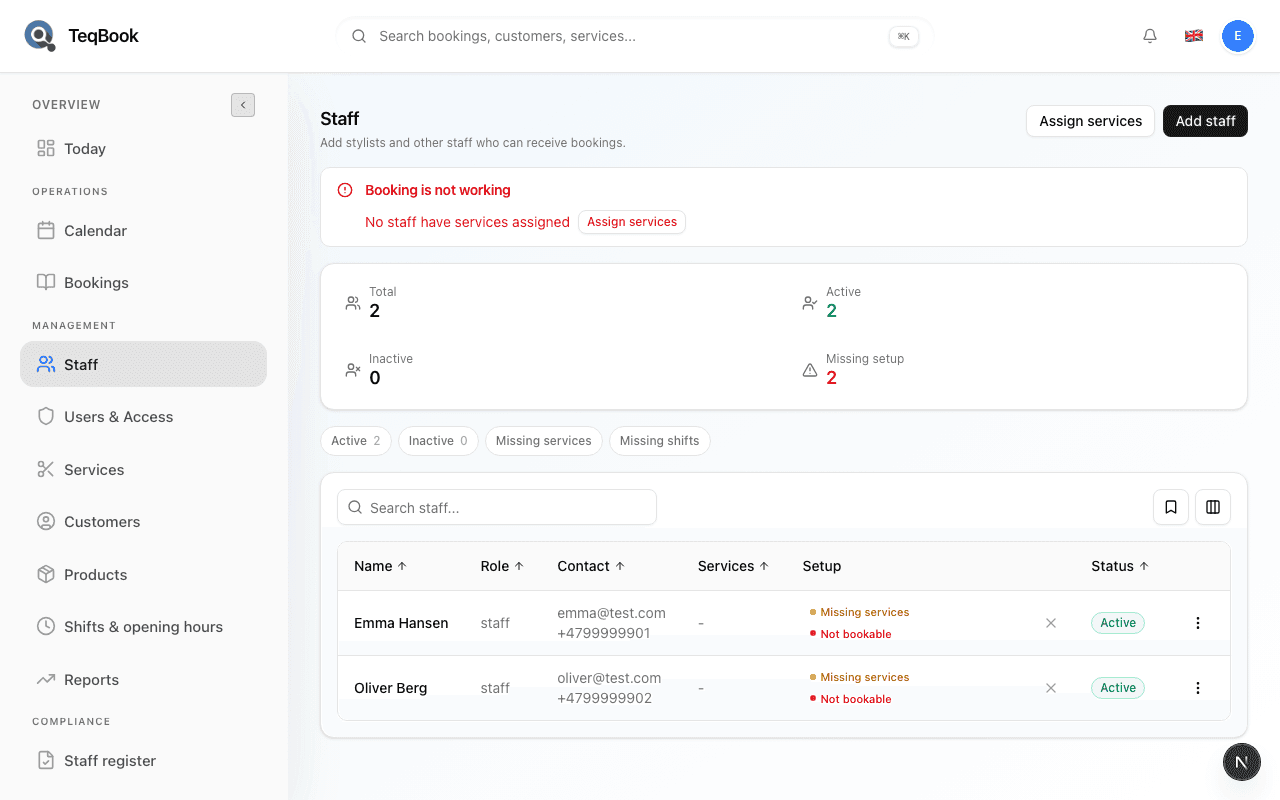
Activate or deactivate a staff member
Toggle Active / Inactive so a roster person stops taking bookings without deleting them.
3 min · Updated Jul 22, 2026
Delete a staff member
Remove someone from the Staff list with Delete — a soft archive that hides them while preserving booking history.
3 min · Updated Jul 22, 2026
Bookability
2 guides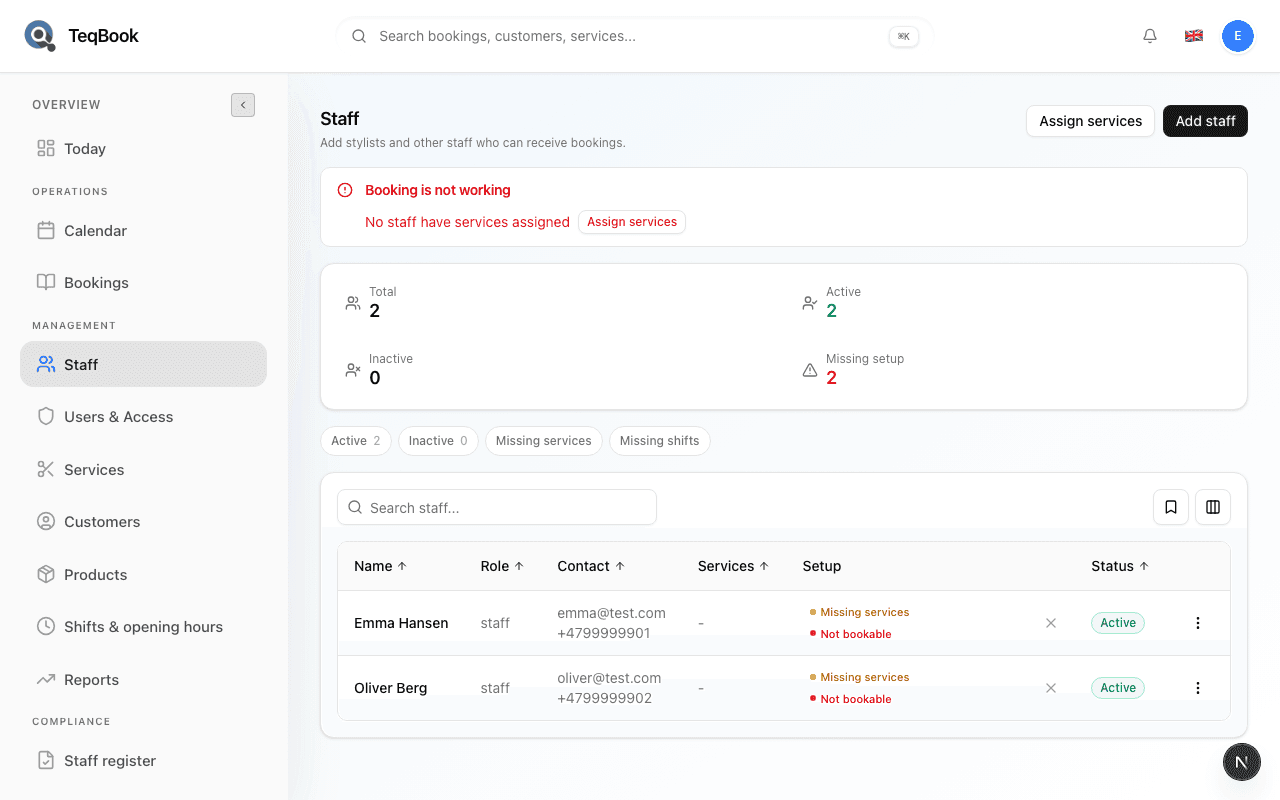
Fix staff missing setup
Diagnose Missing setup, Missing services, and Missing shifts on Staff, then continue to Assign services.
3 min · Updated Jul 22, 2026
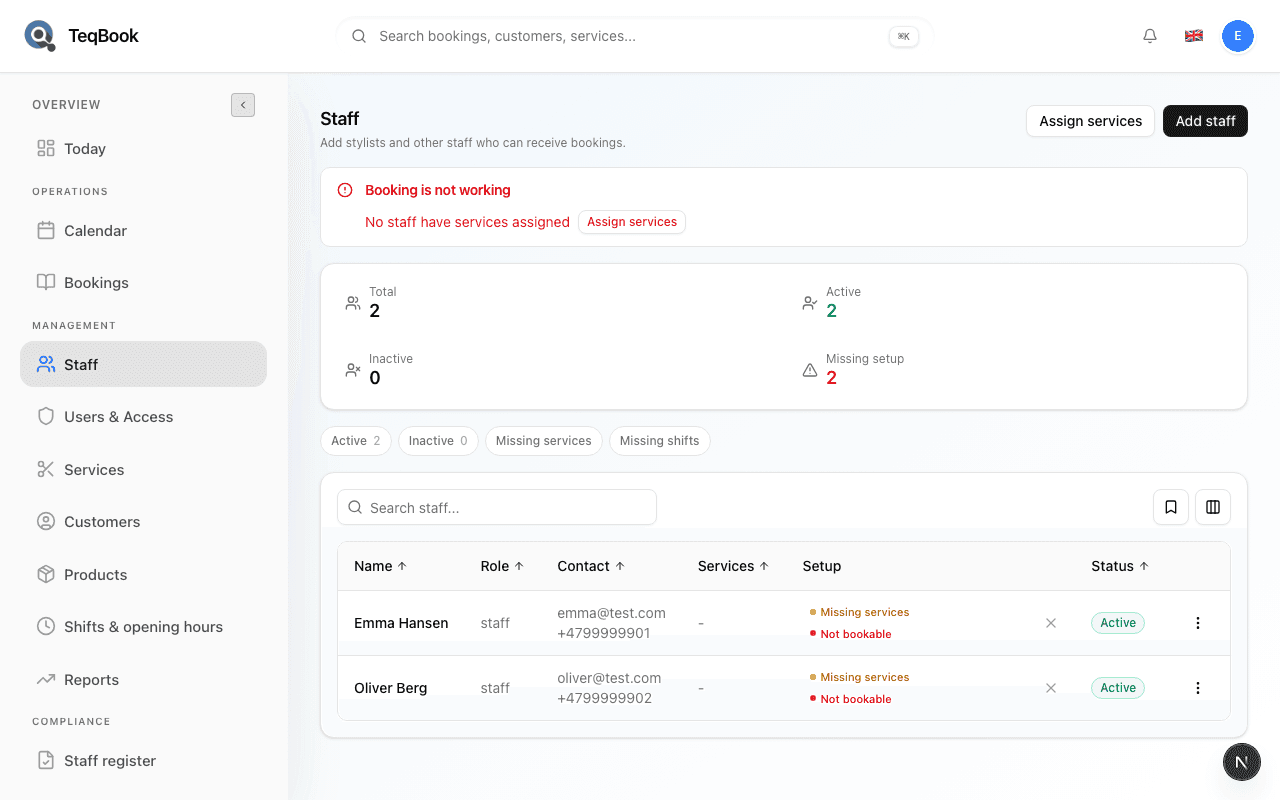
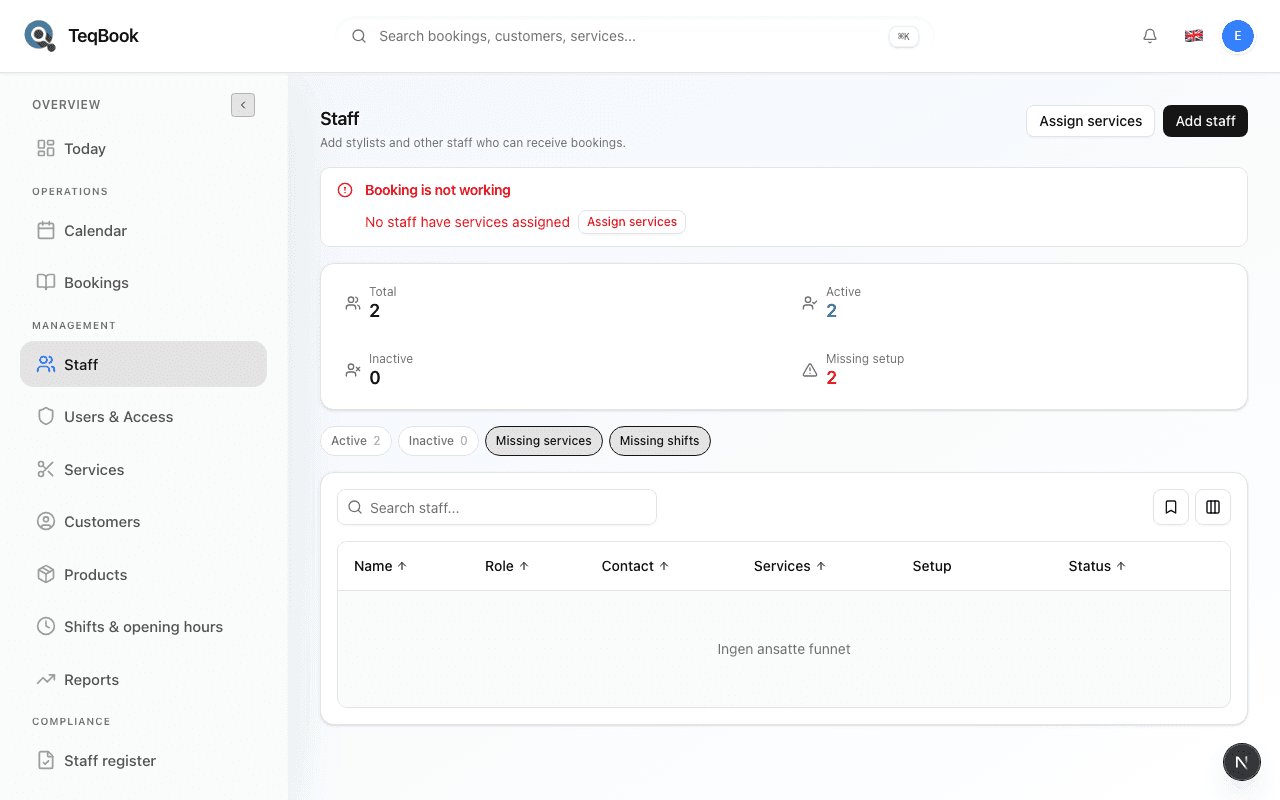
Filter and find staff
Use Search staff… and Active, Inactive, Missing services, and Missing shifts chips to find people on the roster.
2 min · Updated Jul 22, 2026
Capacity & clarity
2 guides
Related topics
Still need a hand?
Tell us what you’re trying to do. We’re happy to help you personally.
Contact support