
Services
Maintain your service menu — edit details, templates, prices, status, and staff coverage.
- 8 guides
- Reviewed regularly
Start here
Edit a service
Update Name, Category, Duration, Price, Sort order, and Prep/Cleanup times from Service details.
Add a service from template
Use From template to add preset services quickly, then customise prices.
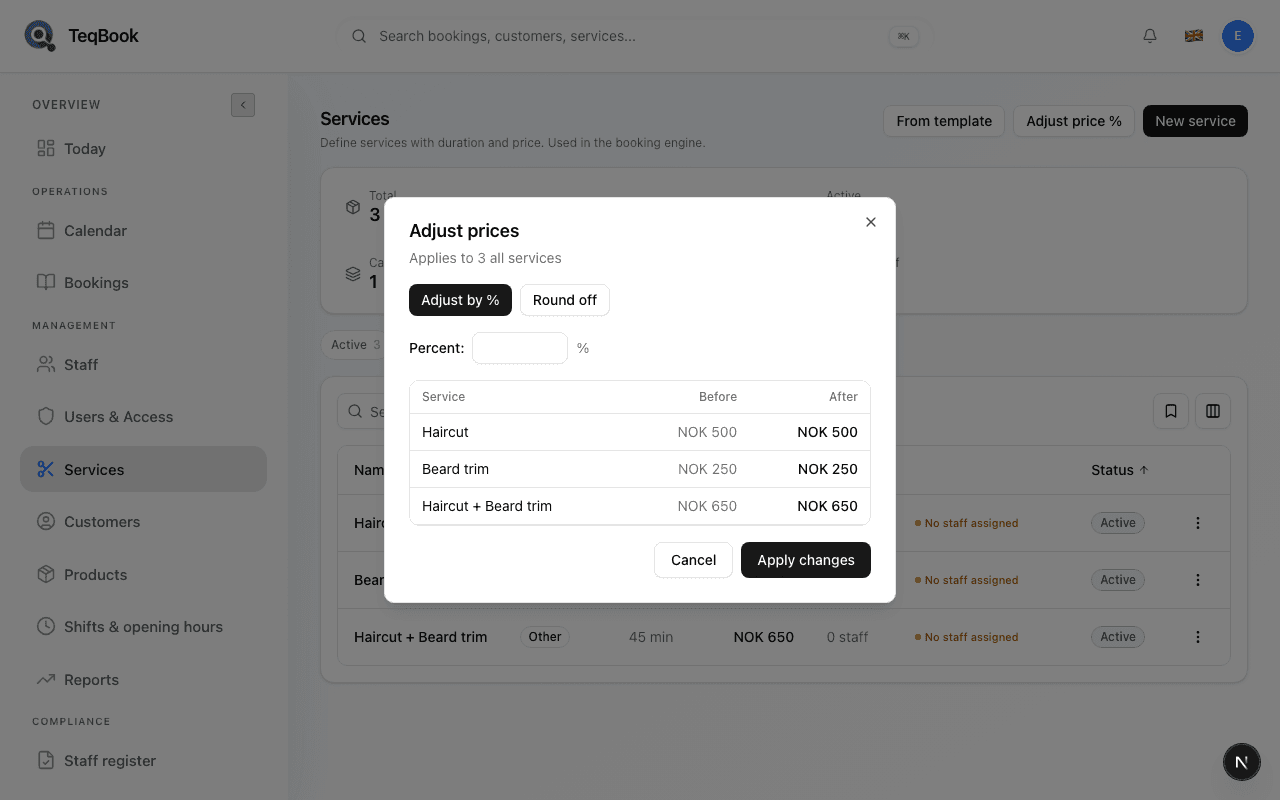
Adjust service prices
Use Adjust price % to change many prices at once with Adjust by % or Round off, and preview Before/After.
Edit your menu
2 guides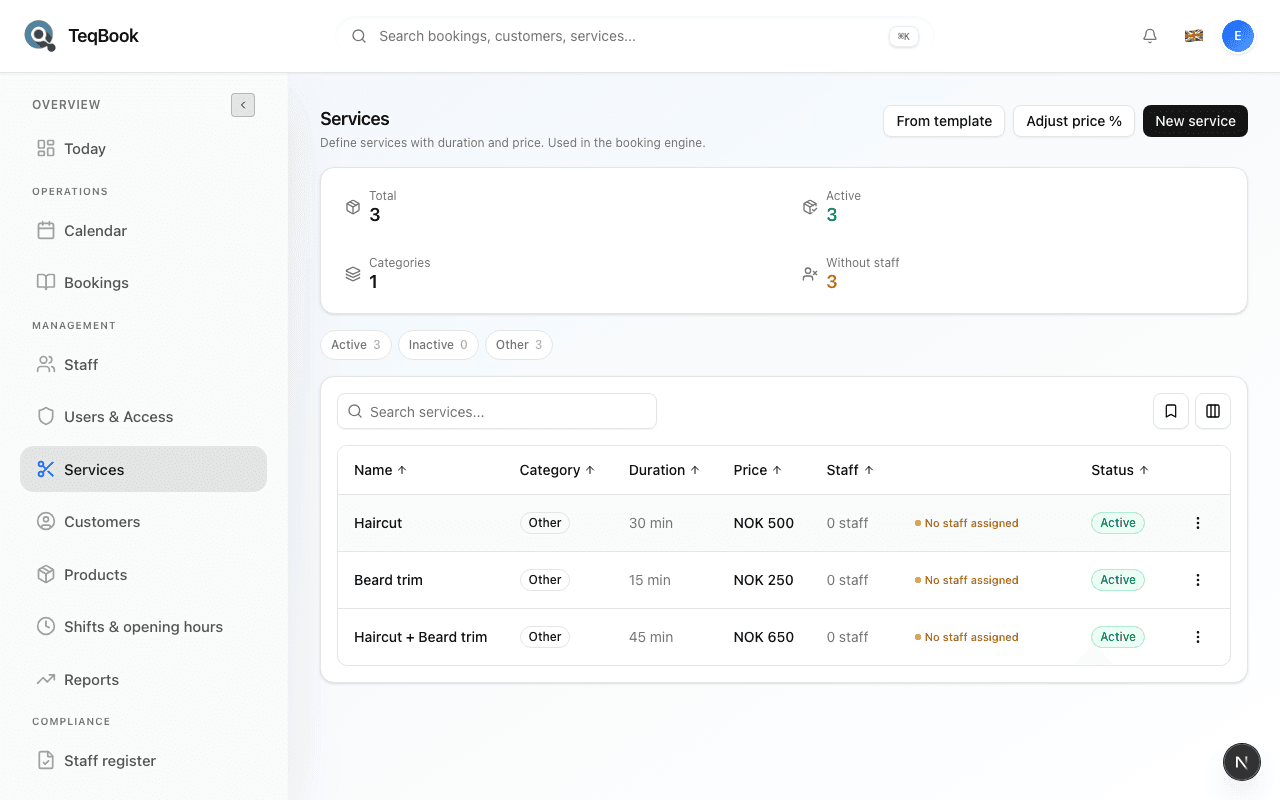
Edit a service
Update Name, Category, Duration, Price, Sort order, and Prep/Cleanup times from Service details.
3 min · Updated Jul 21, 2026
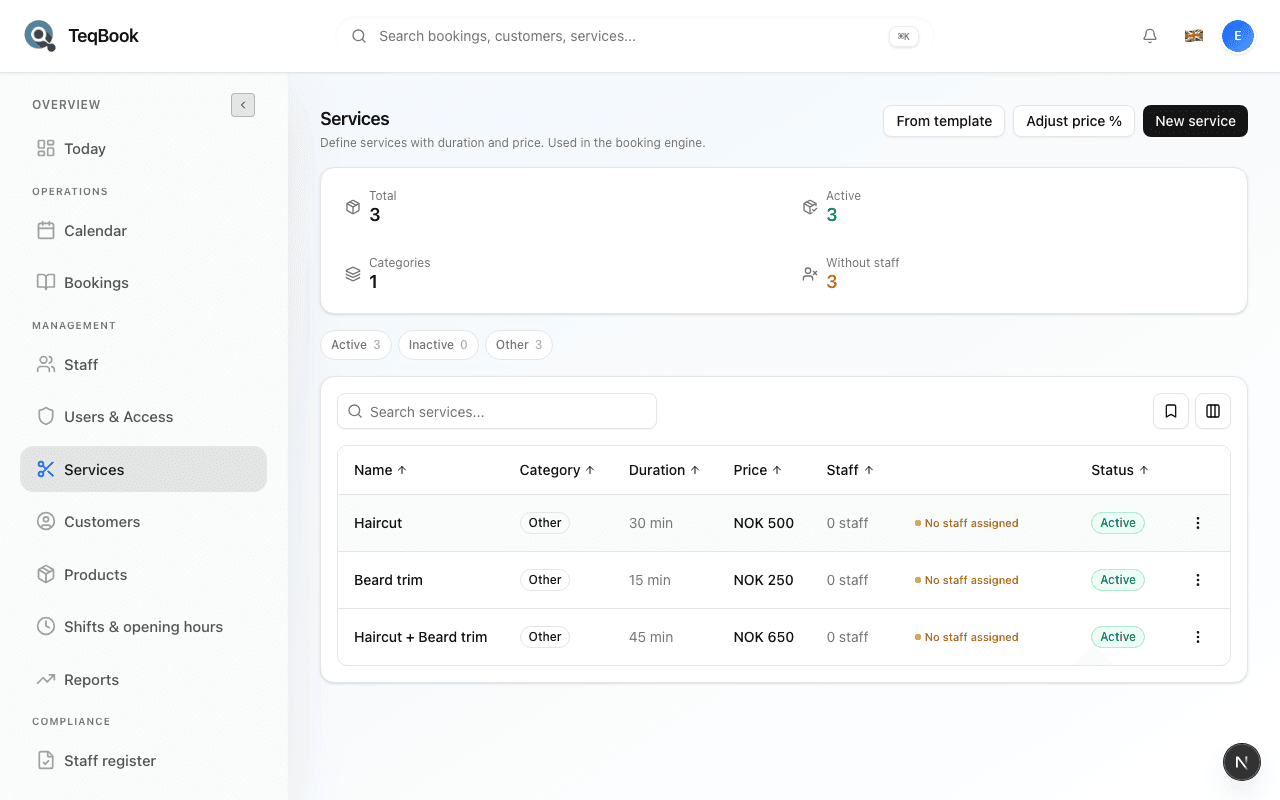
Understand service categories
Use the fixed categories Cut, Beard, Color, Nails, Massage, and Other — filter the list and change a service’s category.
3 min · Updated Jul 21, 2026
Order and coverage
2 guides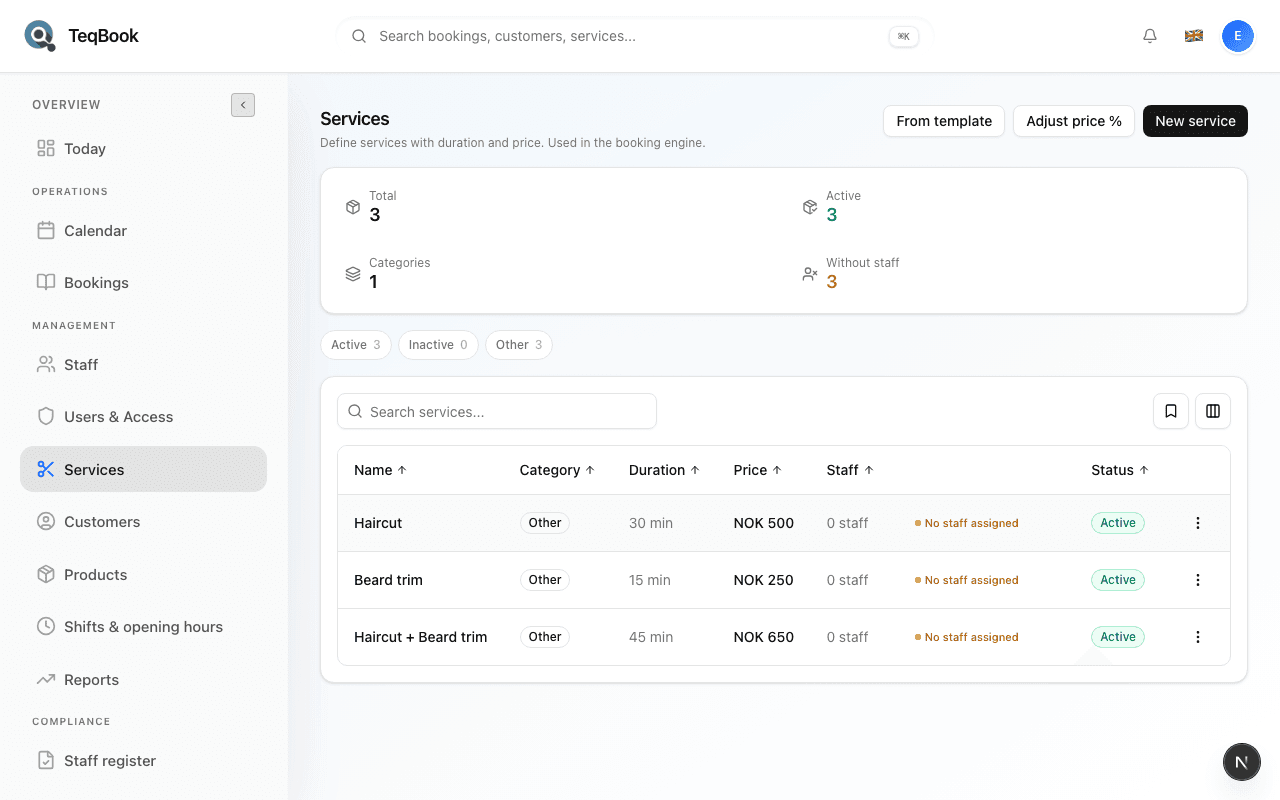
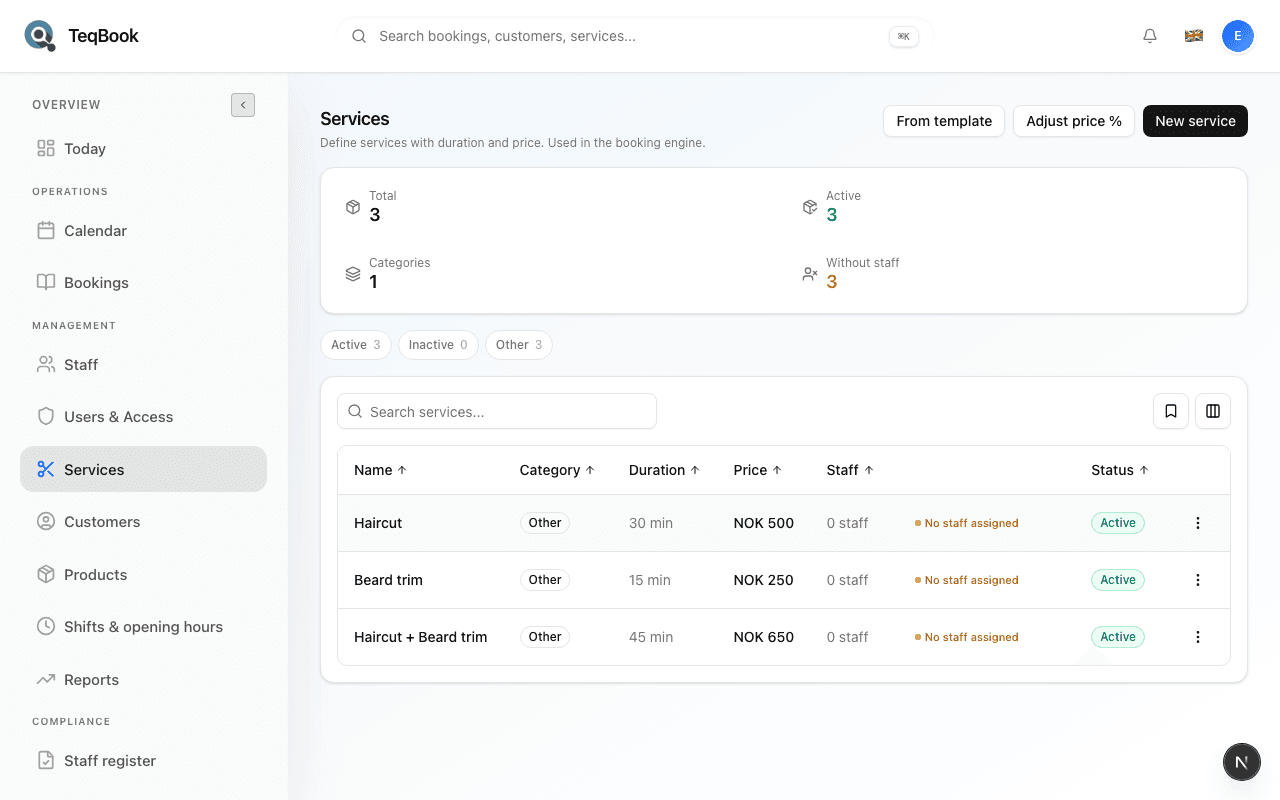
Faster setup
2 guides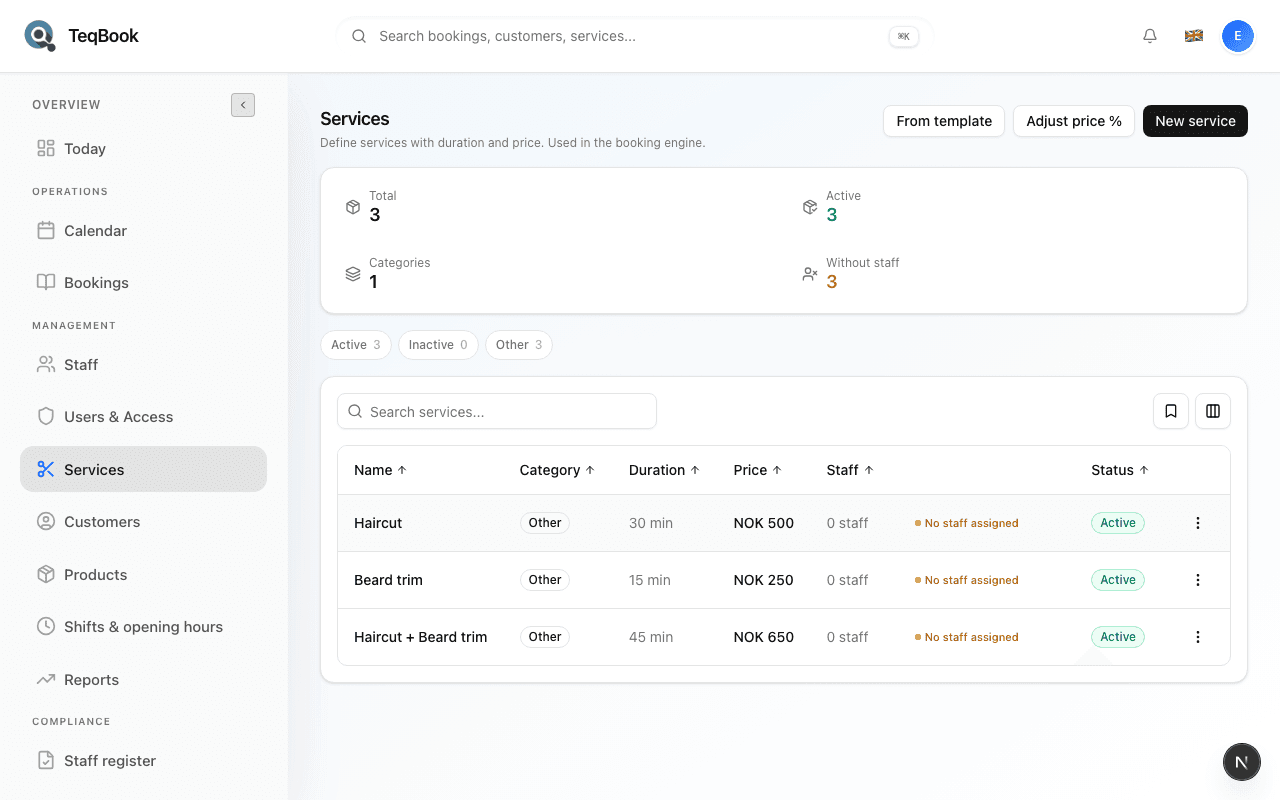
Status and cleanup
2 guides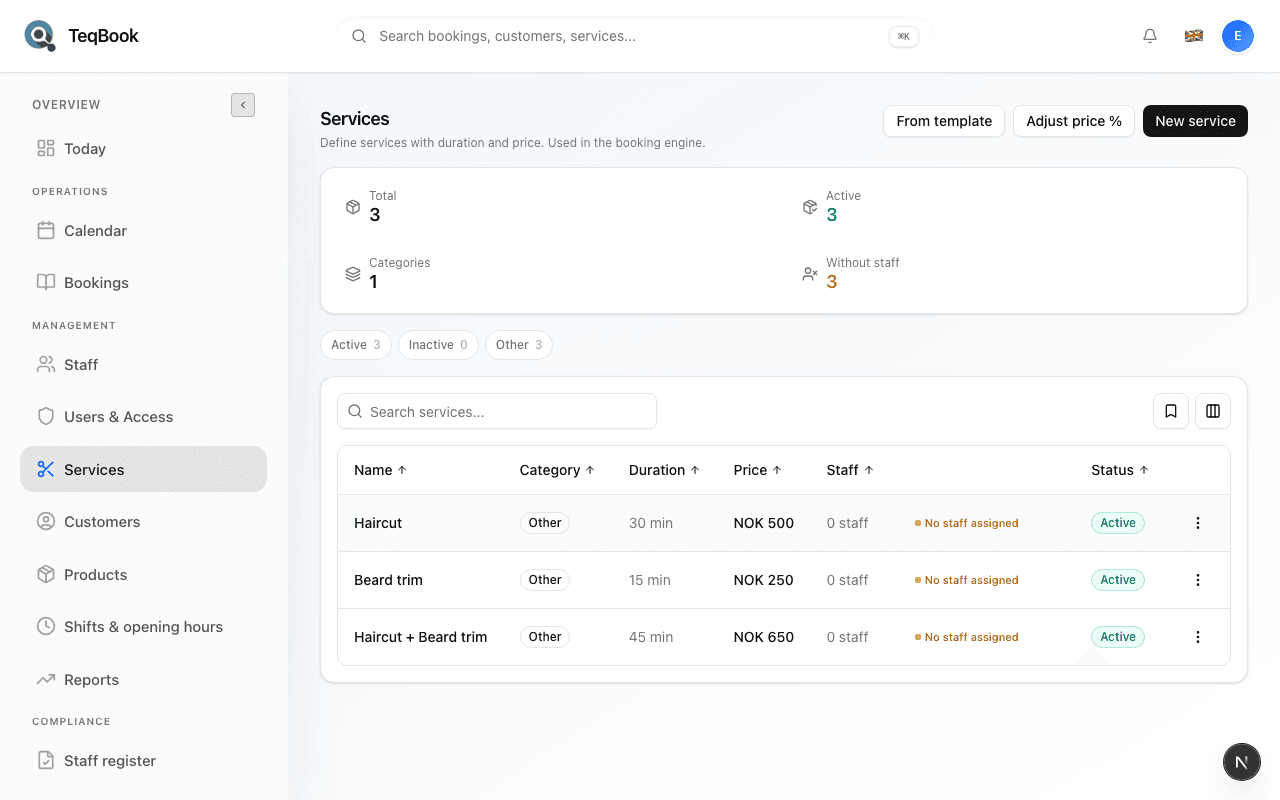
Activate or deactivate a service
Toggle Active / Inactive so a service stays on the list but stops being bookable when you do not need it.
3 min · Updated Jul 21, 2026
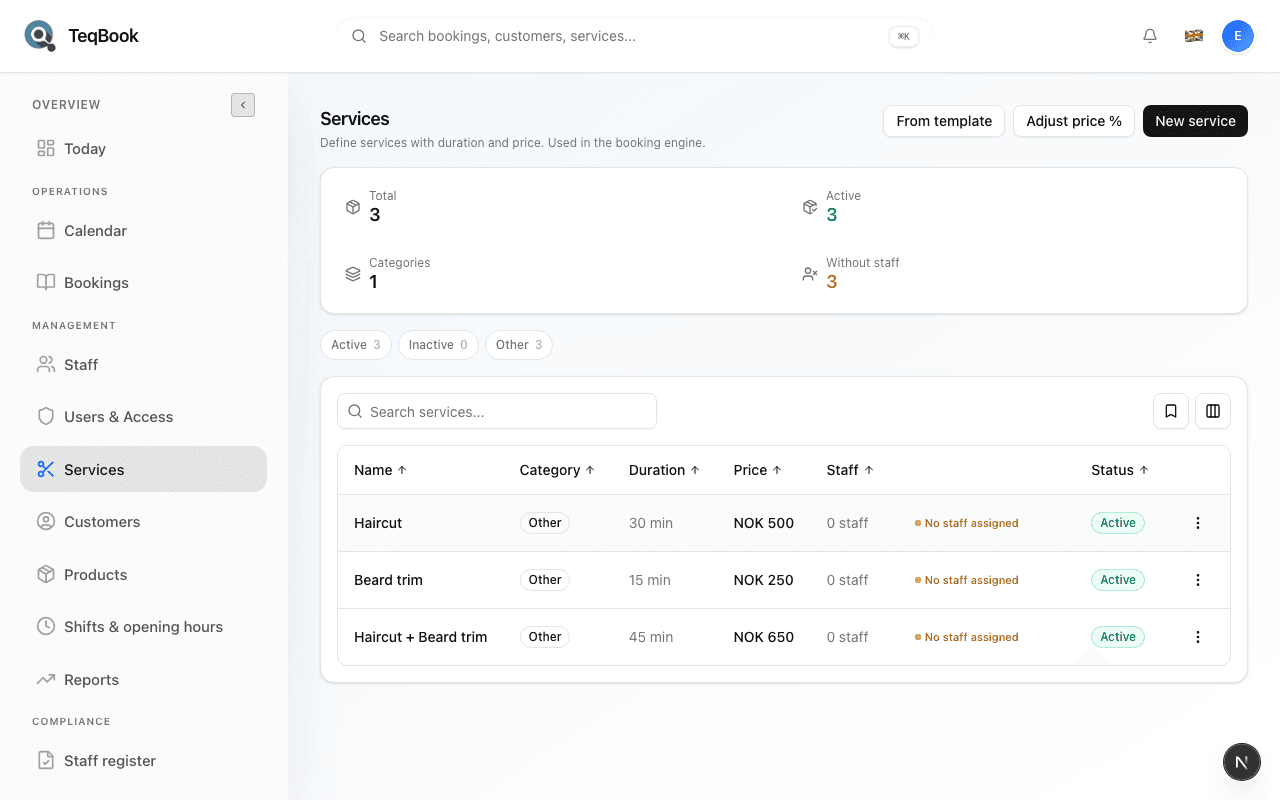
Delete a service
Remove a service permanently with Delete — only when Inactive is not enough, and only if no bookings still reference it.
3 min · Updated Jul 21, 2026
Related topics
Still need a hand?
Tell us what you’re trying to do. We’re happy to help you personally.
Contact support